Rustic Outdoor Wedding Sign Mockup: A Designer's Guide
There’s a certain magic to a rustic outdoor wedding—the dappled sunlight filtering through trees, the organic textures of wood and stone, the relaxed elegance that feels both timeless and personal. Capturing that magic in a static image for client presentations or your own portfolio, however, can be a challenge. That’s where a high-quality mockup becomes an indispensable tool. It transforms a flat design into a tangible, atmospheric scene, allowing you to showcase your work in a context that feels real, aspirational, and emotionally resonant.
Why This Specific Mockup Resonates with Modern Designers
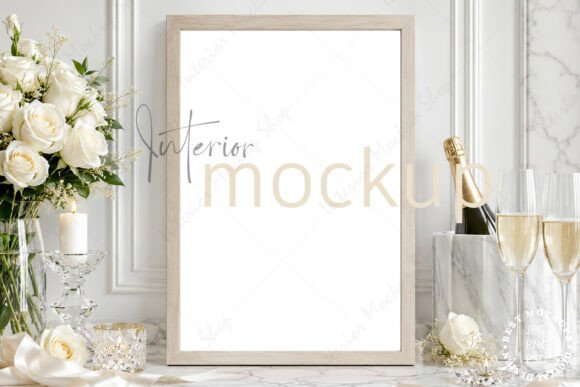
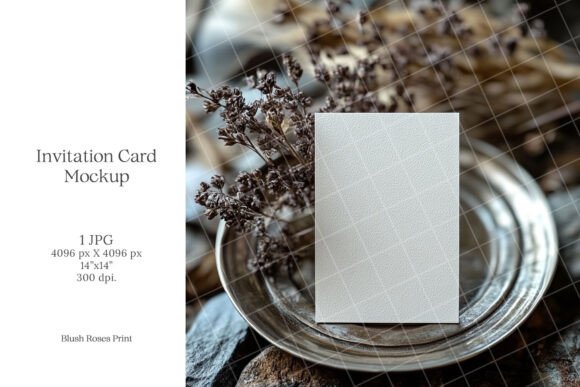
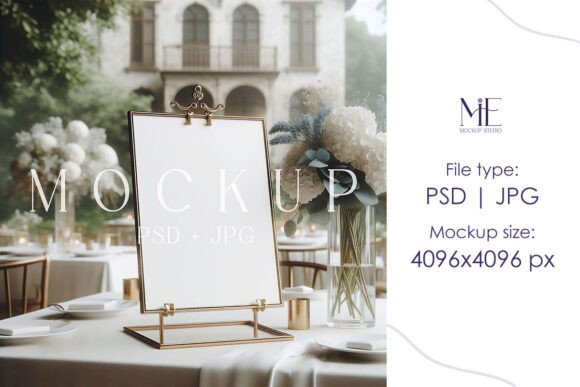
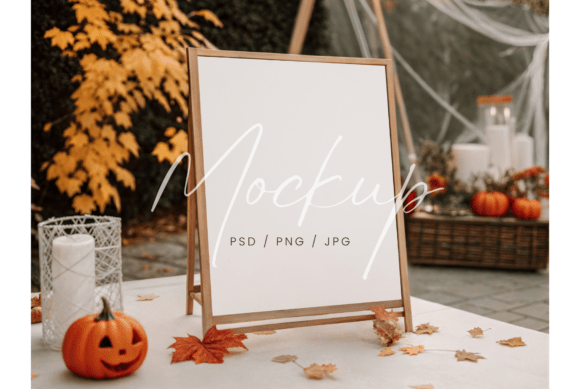
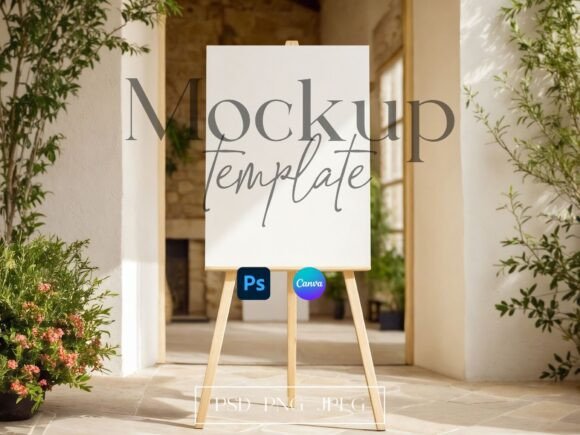
This isn't just any easel sign template. Set in a sun-drenched courtyard with lush greenery, this 18x24 mockup set provides a specific mood: warm, inviting, and naturally beautiful. The visual appeal lies in its authenticity. The soft, directional sunlight creates realistic shadows and highlights on the sign's surface, while the blurred background of foliage adds depth without distracting from your design. For a designer, this context is everything. It allows you to present a wedding welcome sign, seating chart, or event schedule not as a mere graphic, but as a vital, integrated part of the couple's special day. The PSD file with smart object layers is the technical backbone that makes this seamless integration possible, saving hours of manual editing and ensuring a professional result every time.
Practical Applications Beyond the Wedding Industry
While the primary use case is evident, the versatility of a well-crafted mockup like this extends far into other creative and commercial realms. Think of it as a versatile stage for your designs.
- Brand Identity & Logo Presentation: For a boutique event planner, a florist specializing in garden weddings, or a rustic-chic furniture brand, presenting a logo on this mockup instantly communicates the brand's aesthetic and values. It tells a story before a single word is read.
- Social Media & Content Marketing: Create scroll-stopping Instagram posts, Pinterest pins, or blog headers. A beautifully mocked-up sign announcing a "Spring Market" or "Farm-to-Table Dinner" generates far more engagement than a simple flat graphic.
- Digital Product Marketing: Selling printable wedding invitations, seating chart templates, or signage kits? This mockup set is perfect for creating compelling sales imagery on Etsy, Creative Market, or your own website. It provides context that helps customers envision the final product in their own lives.
- Packaging & Merchandise Design: Imagine a artisanal jam brand or a candle company using this scene to showcase a new label design. The rustic feel aligns perfectly with products that emphasize natural ingredients, craftsmanship, and a hand-made ethos.
- Editorial & Website Layouts: Use the high-resolution JPG file as a featured image in a blog post about "How to Style a Backyard Wedding" or "Design Trends for Outdoor Events." It adds immediate visual interest and professionalism to your editorial content.
Integrating the Mockup into Your Design Workflow
The true value of a premium design asset lies in its ease of use and the quality of the final output. The process here is straightforward, designed to get you from concept to polished presentation in minutes.
- Launch and Edit: Open the PSD file in Photoshop. Double-clicking the smart object layer opens a new window where your design lives.
- Insert and Adjust: Drag your prepared graphic—whether it's a typographic layout, a logo, or a full signage design—onto this template. Scale and position it to fit the sign's dimensions perfectly.
- Save and Showcase: Save the smart object, and watch your design instantly update on the rustic easel sign within the courtyard scene. The lighting, shadows, and perspective are automatically applied, creating a photorealistic result.
This non-destructive workflow means you can experiment endlessly. Trying different font pairings for a welcome sign? Test a bold serif font against a delicate script font directly in the mockup to see which one holds up best in the natural light. Assessing color palettes for a seating chart? Swap them out in seconds to compare how they look against the greenery and wood tones. It’s a powerful tool for making confident design decisions.
Key Considerations for Maximum Impact
To leverage this asset to its fullest, keep a few practical points in mind. First, design for the context. The sign is the hero, but the environment informs its style. Fonts with good readability from a distance are crucial—avoid overly thin or intricate scripts for key information. Consider how the warm sunlight might affect the perception of your colors; a soft cream or ivory often works better than a stark white.
Second, remember the licensing. This is a digital file for creating presentations and marketing materials. The stationery designs shown in the example images are not included. Ensure your final presented design is your own original work. This mockup is your stage, but the performance—the typography, layout, and branding—is yours.
Finally, think like your audience. If you're a designer pitching to a bride, this mockup helps her feel the emotion of her day. If you're a small business owner selling templates, it helps your customer visualize the end product. That emotional connection, facilitated by a realistic and beautiful presentation, is what bridges the gap between a good design and a compelling one. It’s not just about showing what you made; it’s about showing what it can become in the right hands, in the right setting, under the perfect, warm sunlight.